Overview
Safari 26.3 brings a host of practical enhancements designed to improve performance, user experience, and developer control. This update focuses on optimizing content delivery, refining navigation in single-page applications, and fixing longstanding issues with CSS features like anchor positioning and multi-column layouts. Additionally, everyday browsing has been polished through real-world testing. Here’s a closer look at the key updates.
Immersive Video Experience in visionOS
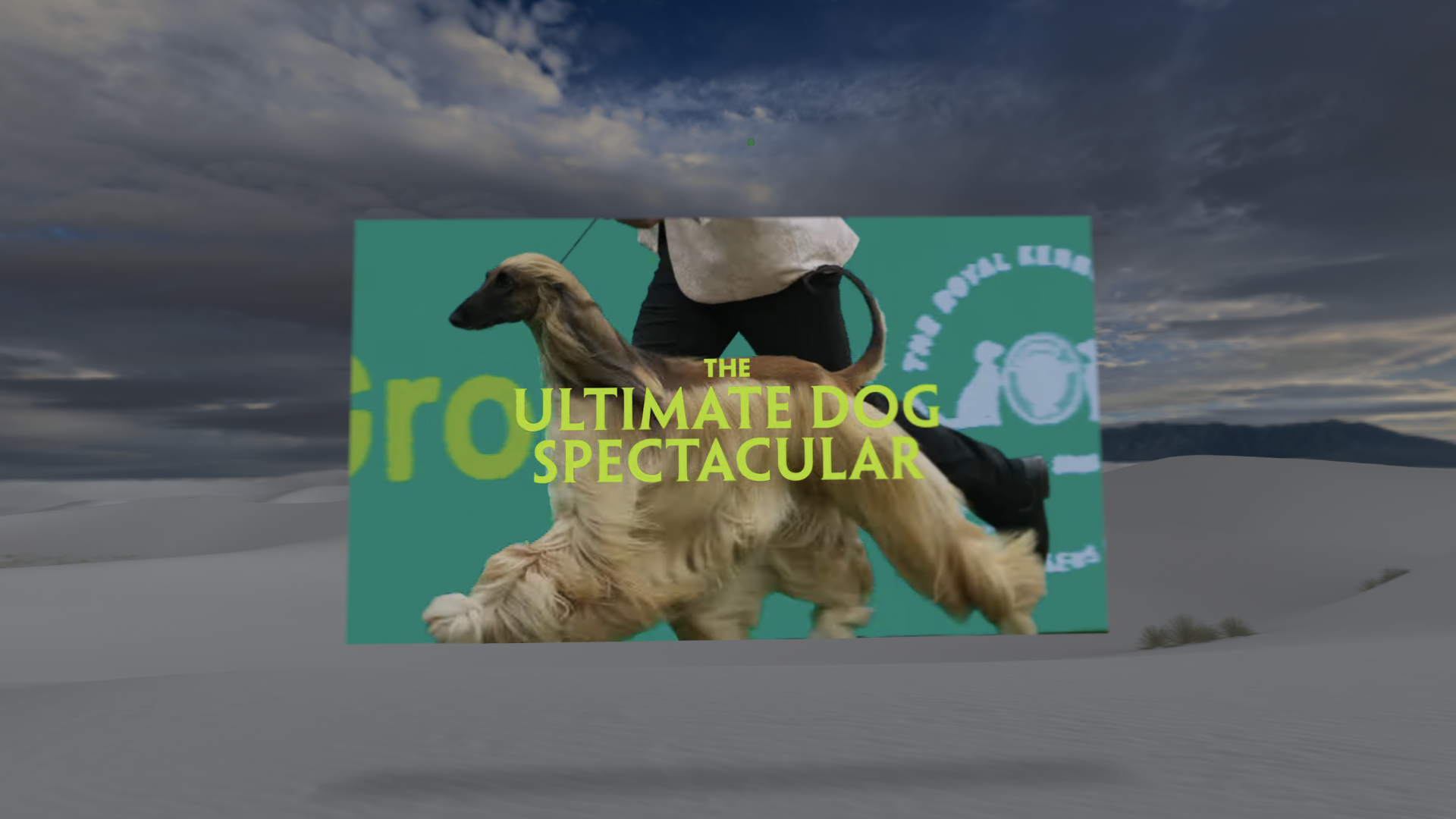
For users on visionOS, Safari 26.3 enhances fullscreen video playback by automatically dimming the surroundings. When a viewer expands a video to fullscreen—such as a movie trailer on YouTube—the virtual environment around the video darkens, putting the content front and center. This subtle but effective change reduces visual distractions and helps maintain focus, making it ideal for immersive media consumption.
Faster Content Delivery with Zstandard Compression
One of the most significant performance updates in Safari 26.3 is support for the Zstandard (Zstd) compression algorithm. Like gzip and Brotli, Zstd reduces the size of text-based assets—HTML, CSS, JavaScript, JSON, and SVG—before they travel over the network. What sets Zstd apart is its speed: it decompresses quickly, easing the workload on users’ devices, and compresses fast enough to be used on-the-fly by servers, unlike Brotli which is often pre-compressed during your build process.
To start using Zstd, configure your server to compress responses with this algorithm and include the Content-Encoding: zstd header. Servers can automatically fall back to other compression methods for browsers that lack support. This feature works across iOS 26.3, iPadOS 26.3, visionOS 26.3, and macOS Tahoe 26.3, but it is not available in Safari 26.3 on earlier macOS versions because it relies on the system networking stack.
Improved Control for Single-Page Apps with Navigation API
Building robust single-page applications often involves managing navigation interruptions—when a user clicks another link, hits the back button, or triggers a new navigate() call before the previous navigation completes. In Safari 26.3, the Navigation API now exposes an AbortSignal on NavigateEvent. This signal fires when the navigation is aborted, giving developers a standard way to clean up and cancel ongoing tasks.
For example, you can pass the signal to a fetch request:
navigation.addEventListener('navigate', (event) => {
  event.intercept({
    async handler() {
      const response = await fetch('/api/data', {
        signal: event.signal  // Automatically cancels if navigation is aborted
      });
      const data = await response.json();
      renderContent(data);
    }
  });
});
If the user navigates away before the fetch completes, the request cancels automatically. You can also listen to the signal’s abort event to stop timers, animations, or other resources. This fine-grained control helps prevent wasted processing and memory leaks.
Robustness Improvements Across the Board
Alongside these headline features, Safari 26.3 includes fixes for several developer-facing issues:
- Anchor positioning (
position-anchor): Resolved bugs that caused elements to misbehave or fail to attach to the correct anchor. - Multi-column layouts (
columns): Fixed rendering inconsistencies in complex column arrangements. - Real-world compatibility: Various tweaks based on testing with popular websites ensure smoother everyday browsing.
These updates may not grab headlines, but they make Safari more reliable for both users and developers. By addressing subtle glitches, the browser behaves predictably across a wider range of scenarios.
Summary
Safari 26.3 is a carefully balanced release that adds meaningful capabilities—like Zstd compression for faster loads, Navigation API abort signals for better app control, and immersive video dimming in visionOS—while also tightening up existing features. Whether you’re optimizing your website’s performance or fine-tuning a single-page app, this update provides the tools you need.